Features
A few features that make SilverBullet+ a delight to think, write, and — let's just say it — live in.
A lovely live-preview markdown editor
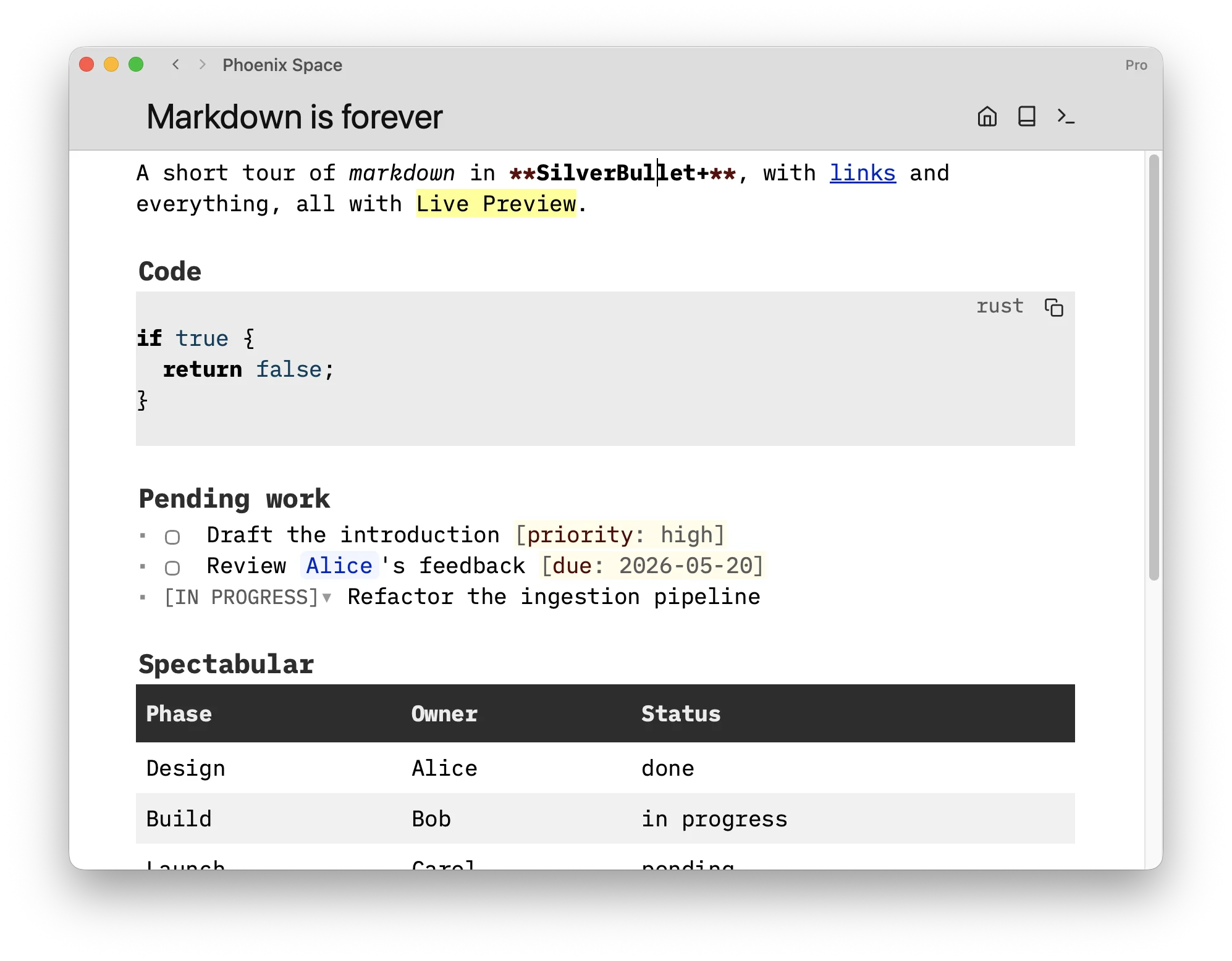
SilverBullet+’s foundation is a full-featured markdown editor with Live Preview: wiki links, tasks, tables, code blocks, and widgets render inline as you type.
The command palette and keyboard shortcuts offer convenient commands to format and manipulate markdown. Slash commands enable quick entry of common snippets.
Your notes as a database
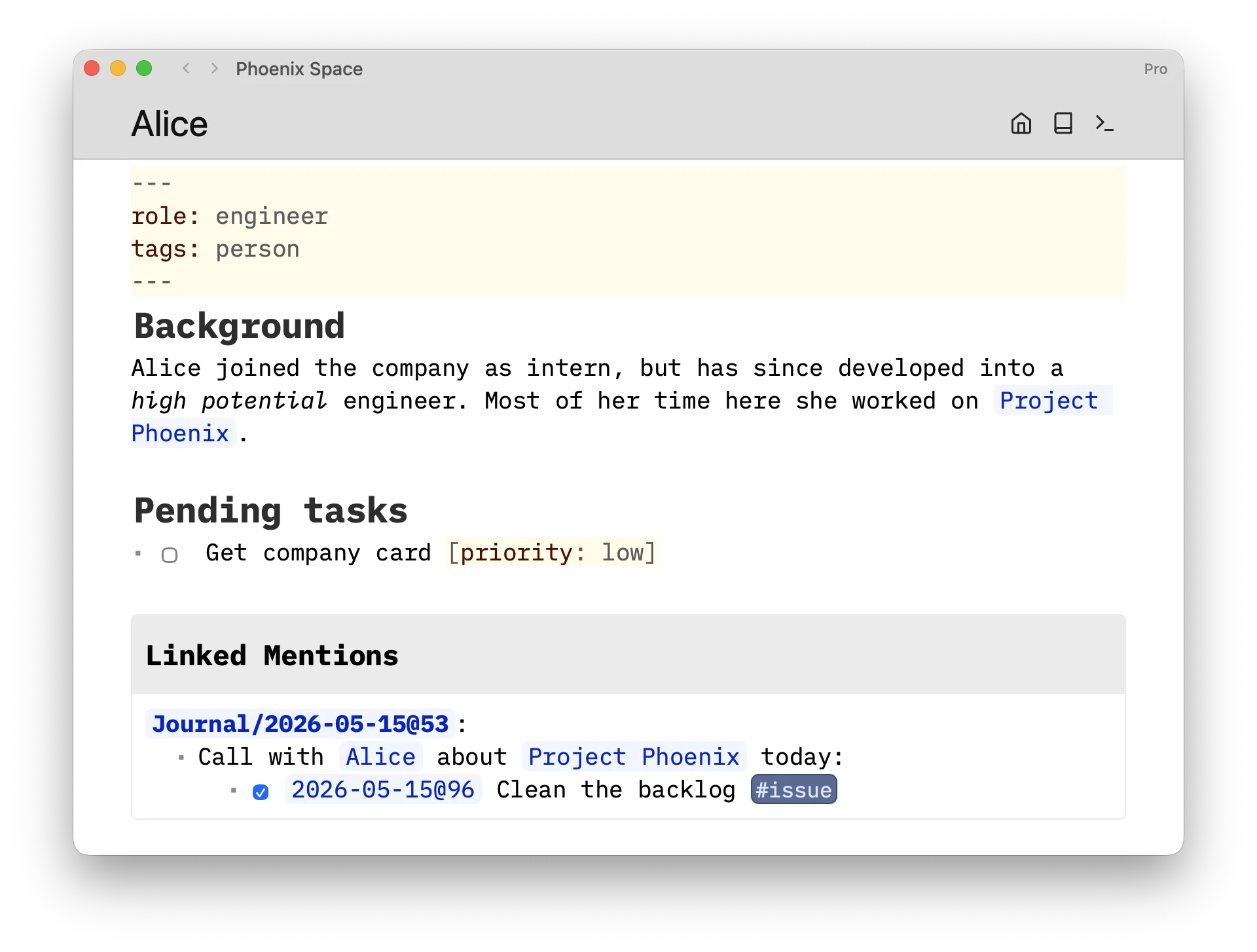
Gradually add structure to pages with YAML frontmatter, and annotate individual list items and tasks with inline attributes.
Everything in SilverBullet is indexed: pages, links between them, (list) items, tasks, headers. You can even define your own data types (tags). Everything is queryable with Space Lua Integrated Query. It's quite... SLIQ!
The SilverBullet environment leverages its index to implement features like Linked Mentions, Linked Tasks and page renames that update all incoming links instantly.
Space Lua programming
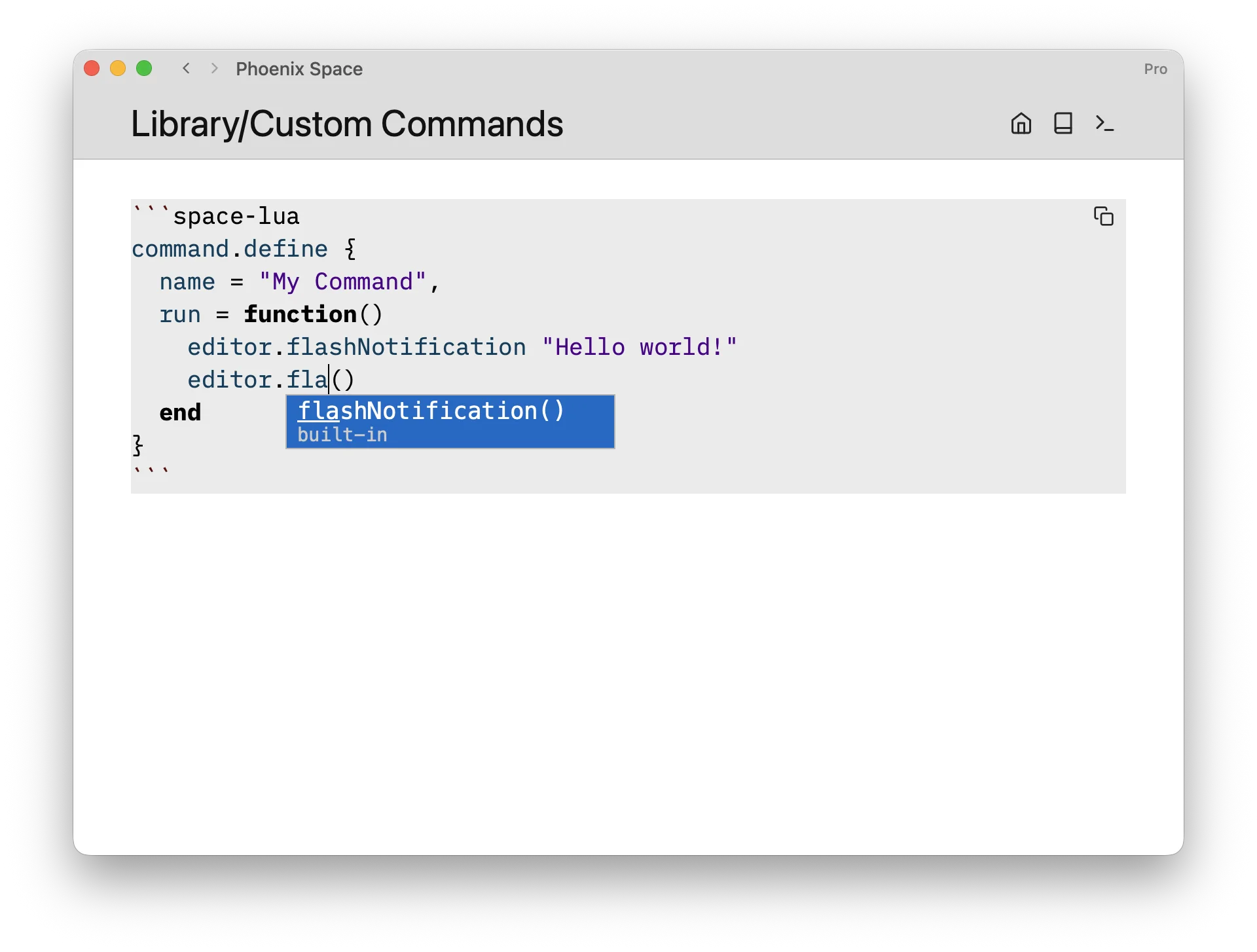
A full scripting language built into your notes app, why not? Define custom commands, slash commands, write queries, build templates, create widgets — all from within your space. No external tools, your notes app is your IDE.
SLIQ Query
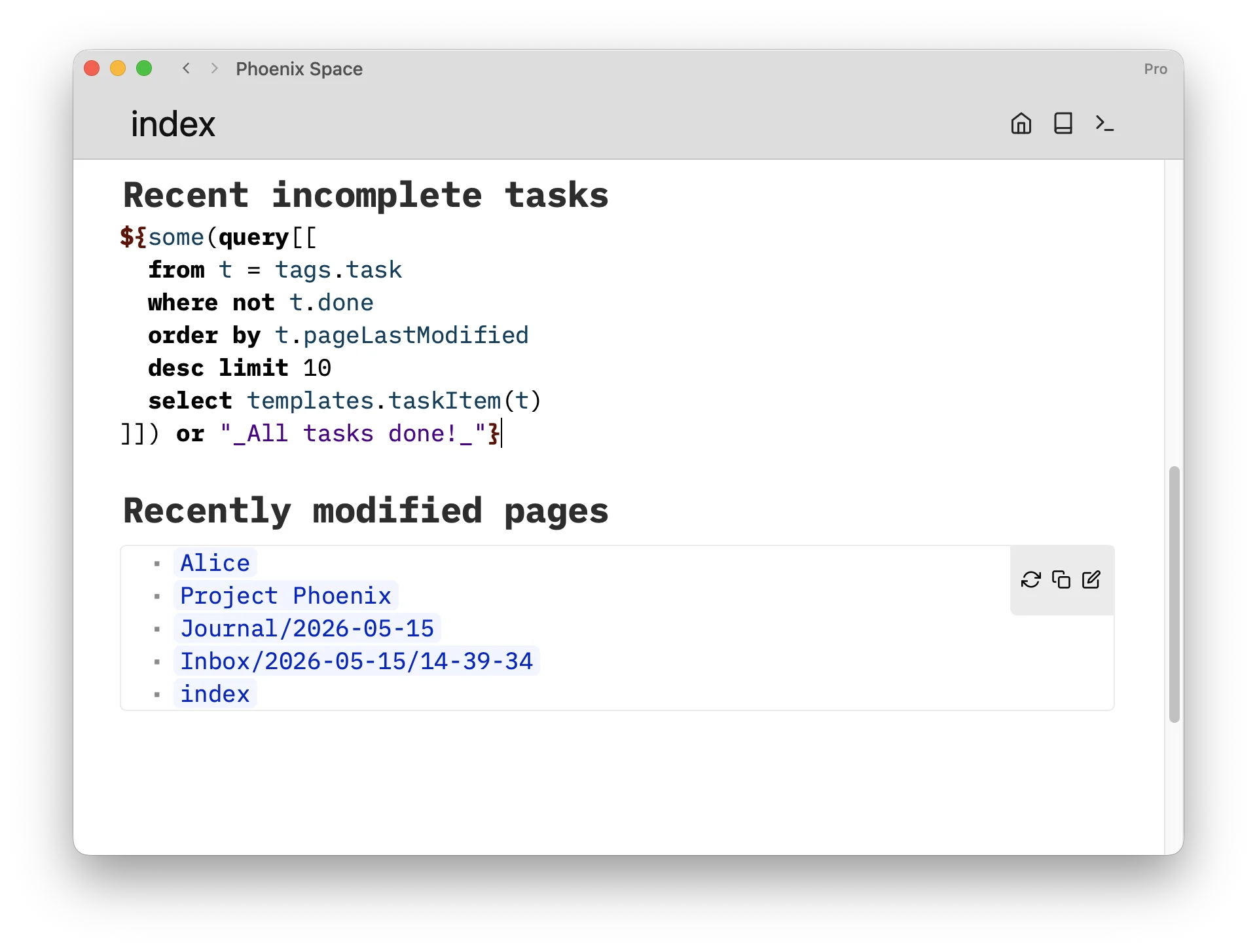
Query your notes like a database using Space Lua’s SQL-like query language called Space Lua Integrated Query. Results render live inside any page and update automatically as your data changes.
The + in the room
Everything above comes from the open source SilverBullet engine. SilverBullet+ adds native desktop features on top. Like a 🍒.
Unlimited spaces
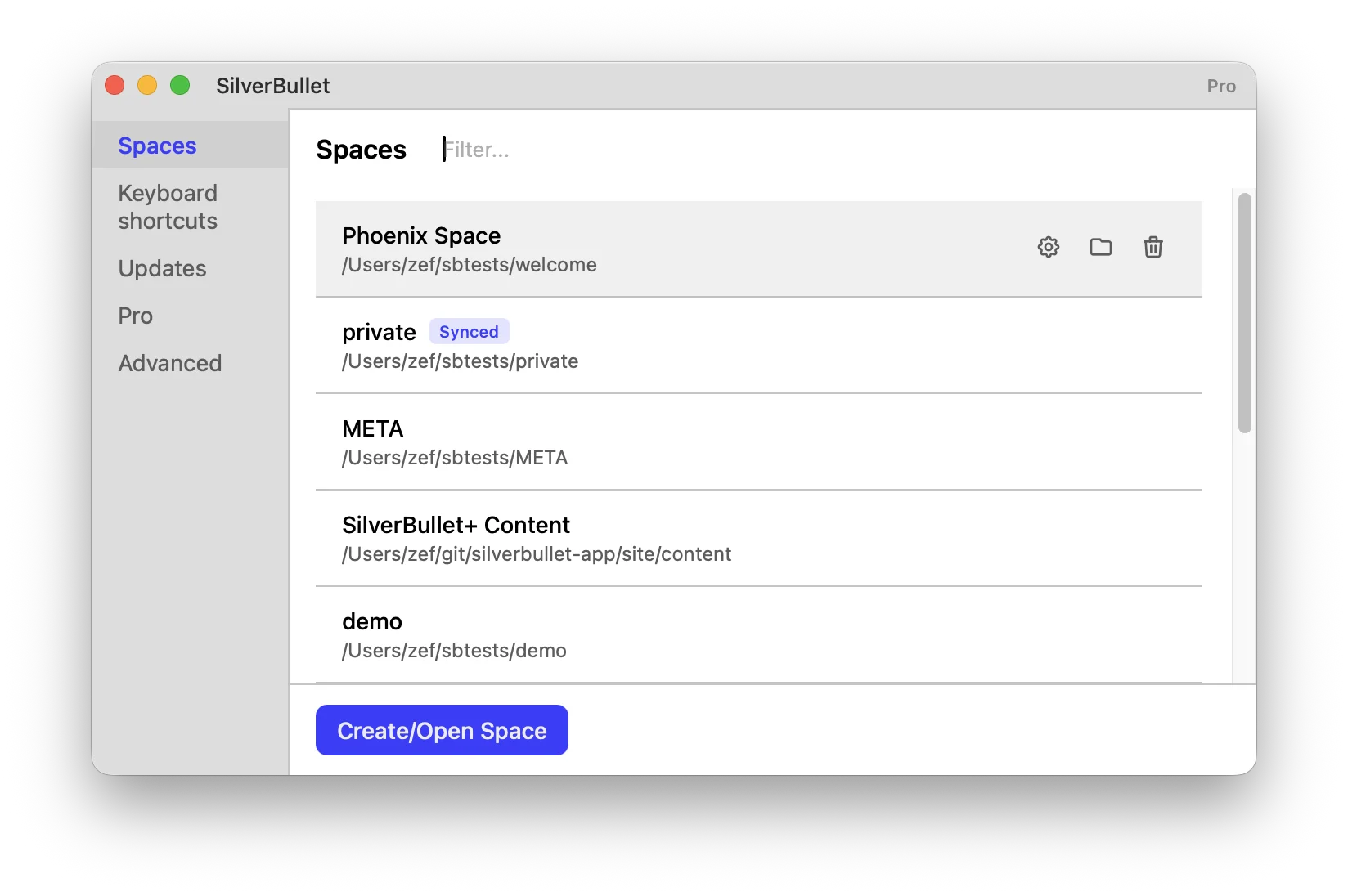
Manage as many spaces as you like. Each is a separate folder on disk with its own configuration, sync settings, and environment.
Switch between spaces instantly from the menu, open multiple windows side by side, and pick up exactly where you left off —SilverBullet+ restores window state between sessions.
Sync
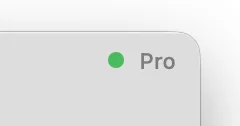
Keep your notes in sync between your desktop and a remote SilverBullet.md server. The green dot is soothing and tells you that everything is up-to-snuff.
Global keyboard shortcuts
Bind system-wide keyboard shortcuts to any SilverBullet command in any space.
CLI
The sb tool lets you interact with your spaces from the terminal:
sb [path]— open a file or folder in the appsb get task --where done=false --limit 3— query your objects from the terminal